문제
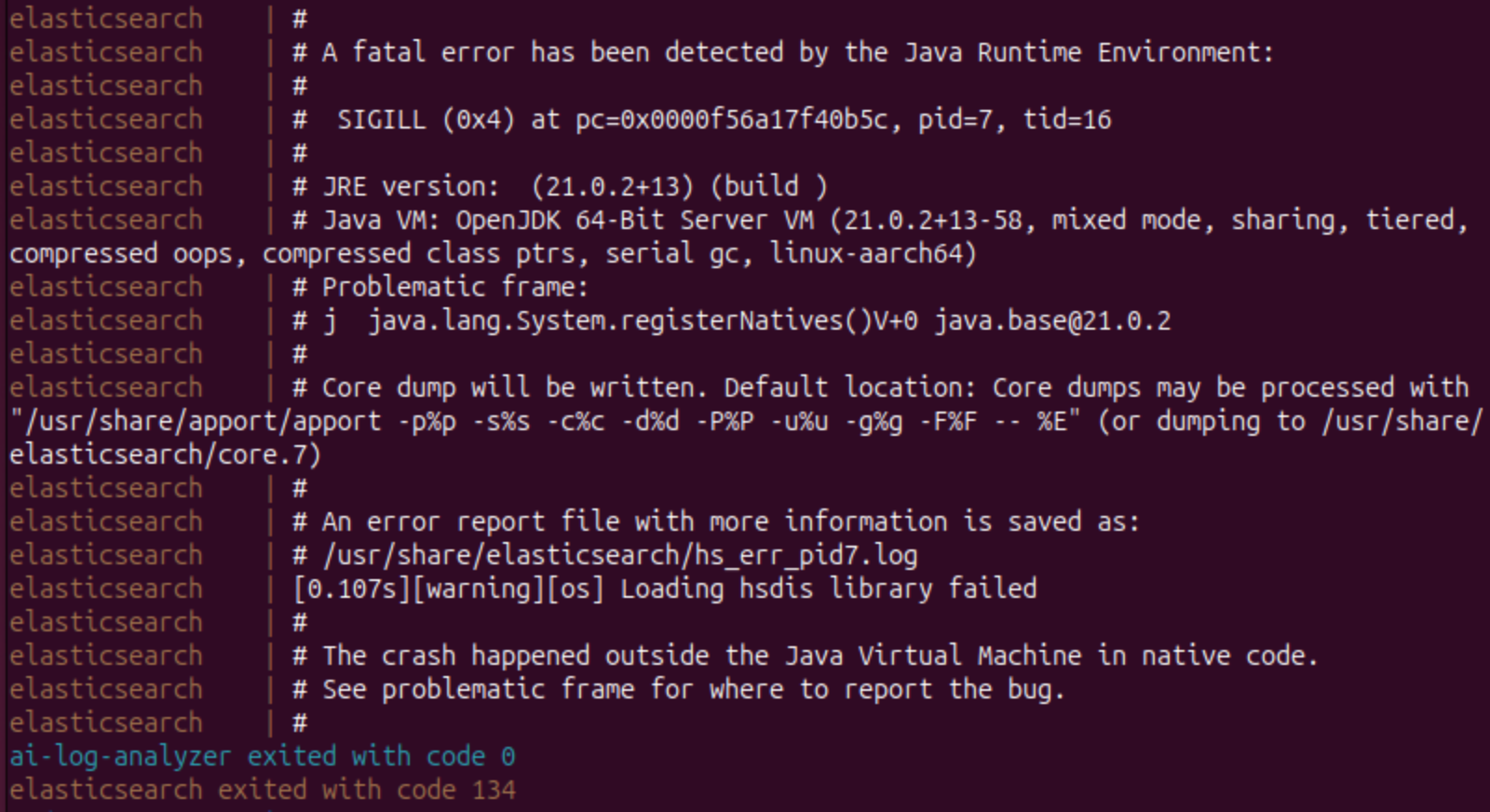
에러 로그 전문:
elasticsearch    | #
elasticsearch    | # A fatal error has been detected by the Java Runtime Environment:
elasticsearch    | #
elasticsearch    | #  SIGILL (0x4) at pc=0x0000f56a17f40b5c, pid=7, tid=16
elasticsearch    | #
elasticsearch    | # JRE version:  (21.0.2+13) (build )
elasticsearch    | # Java VM: OpenJDK 64-Bit Server VM (21.0.2+13-58, mixed mode, sharing, tiered, compressed oops, compressed class ptrs, serial gc, linux-aarch64)
elasticsearch    | # Problematic frame:
elasticsearch    | # j  java.lang.System.registerNatives()V+0 java.base@21.0.2
elasticsearch    | #
elasticsearch    | # Core dump will be written. Default location: Core dumps may be processed with "/usr/share/apport/apport -p%p -s%s -c%c -d%d -P%P -u%u -g%g -F%F -- %E" (or dumping to /usr/share/elasticsearch/core.7)
elasticsearch    | #
elasticsearch    | # An error report file with more information is saved as:
elasticsearch    | # /usr/share/elasticsearch/hs_err_pid7.log
elasticsearch    | [0.107s][warning][os] Loading hsdis library failed
elasticsearch    | #
elasticsearch    | # The crash happened outside the Java Virtual Machine in native code.
elasticsearch    | # See problematic frame for where to report the bug.
elasticsearch    | #
ai-log-analyzer exited with code 0
elasticsearch exited with code 134
이거 때문에 진짜 컴퓨터 부술 뻔했는데 애플 M4 프로세서에만 있는 이슈라고 한다.
Issue with Elasticsearch Docker Deployment on Apple Silicon (M4 Processor, macOS 15.2)
There is a current issue with deploying Elasticsearch via Docker on Mac computers equipped with Apple silicon (M4 processor) and running macOS 15.2. Here is the error log: 2025-01-15 11:55:22 # 2025-01-15 11:55:22 # A fatal error has been detected by the J
discuss.elastic.co
노트북 바꾼 지 한달도 안됐는데... ^^
해결
참고로 나는 Elasticsearch 버전 8.17.0을 사용했다.
버전 8.13.4에서는 작동하는 것을 확인했고, 아마 그 이전 버전들에도 적용될 것 같다.
`docker-compose.yml` 파일 `elasticsearch` 부분의 `environment` 변수에 다음 두 줄을 추가한다.
elasticsearch:
	...
    environment:
    	- ES_JAVA_OPTS=-XX:UseSVE=0
        - CLI_JAVA_OPTS=-XX:UseSVE=0
그러면 드디어 컨테이너가 종료되지 않고 정상 작동한다!!
'𝐞𝐭𝐜.' 카테고리의 다른 글
| 까먹기 전에 적는 디스코드 봇 만들고 호스팅하는 방법 (1) | 2025.12.15 |
|---|---|
| [정보보안기사/정보처리기사] 대학교 4학년의 쌍기사 오너 도전기 (0) | 2025.11.17 |
| [VMware/Ubuntu] 로그인 후 검은 화면 해결하기 (0) | 2025.07.01 |
| [Docker/Ubuntu] 컨테이너가 안 내려가요! Permission Denied 문제 해결하기 (0) | 2025.07.01 |
| TOCTOU (0) | 2025.06.10 |